
90Day.app · Transform Together
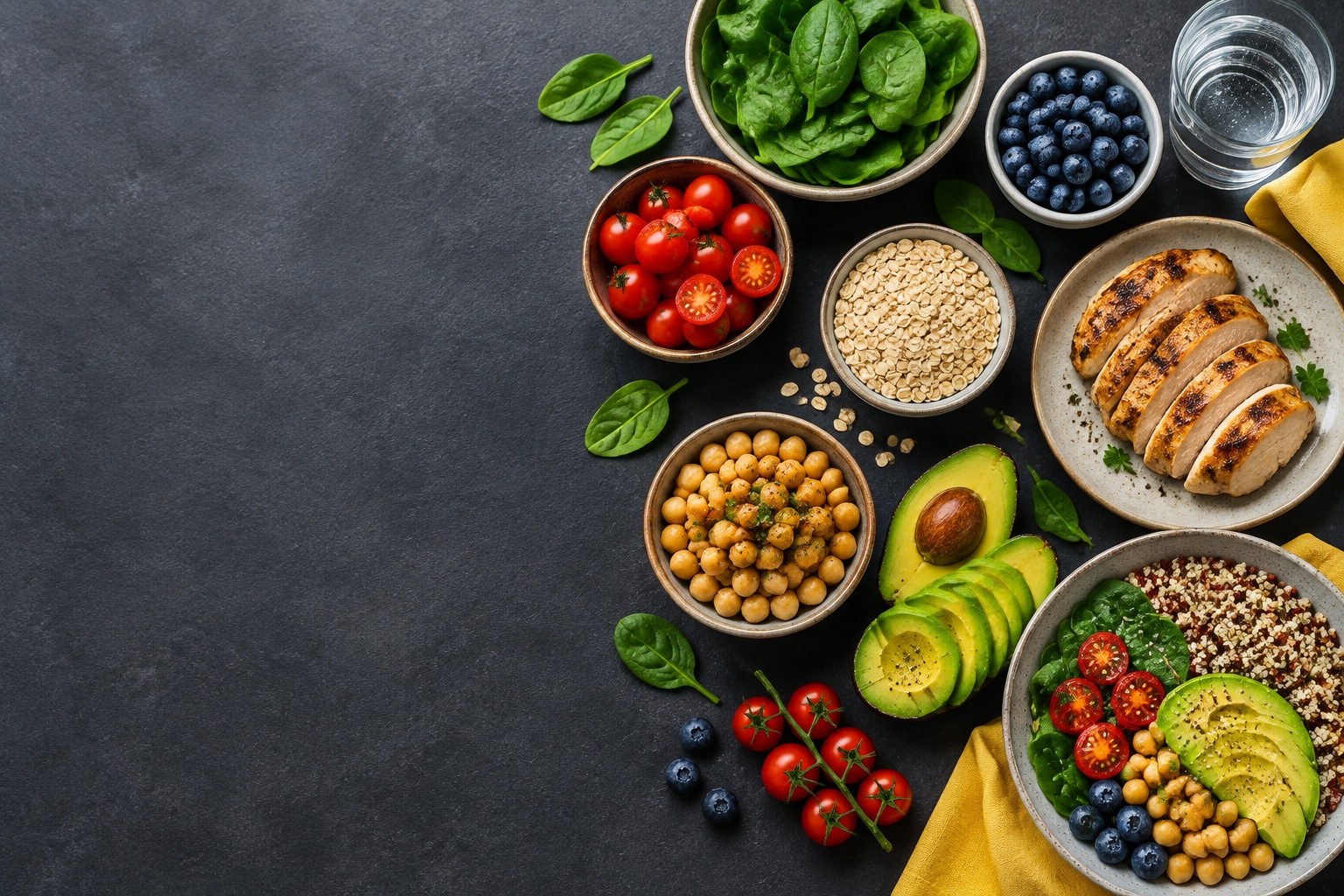
Your 90-day diet calendar
From your fitness goals to daily meals and a grocery list. A plan built around your body, your preferences and your real life.
YOUR PLAN, STEP BY STEP
A few decisions. A full 90 days.
These six milestones explain the process. The setup asks for missing body details only when needed, so the number of screens can vary.
- 1
Start with your body and goals
Sign in and open “Generate my 90-day meal plan” from Today’s Meals on your dashboard, or from a day’s Meals view in the Planner. Complete weight, height and fitness level if they are missing. Your saved age helps personalize the plan.
Choose weight loss, maintenance, muscle gain or performance. A target weight is optional. You can choose to use your logged progress when rebuilding.
- 2
Review calorie and protein targets
Review the daily targets suggested from your body profile and goal. Adjust them if your doctor or dietitian has recommended different numbers.
These are planning estimates, not a prescription or a promise of a particular result.
- 3
Add allergies and foods to avoid
Confirm whether you have food allergies, then select any that apply. Add other allergies and foods you dislike as comma-separated lists.
Review every meal and ingredient before eating. AI suggestions cannot guarantee an allergen-free meal.
- 4
Make it fit your everyday life
Choose your eating style, grocery budget and the cooking time that fits your routine. Then select “Build my plan”.
One request builds three phases, each with a rotating seven-day menu, to cover the full 90 days.
- 5
Preview first. Save when it feels right.
Browse meals and nutrition totals across Foundation (Days 1–30), Building (31–60) and Mastery (61–90). Check flagged allergens and go back to change your answers if needed.
The generated meal plan is not saved until you select “Save plan”. Profile details entered earlier may already be saved.
- 6
Take your plan into the day—and the store
After saving, see today’s meals on your dashboard and open dates in the Planner to review meals alongside workouts. Open your Grocery list, select a phase and check off ingredients as you shop.
Copy the list into a note or message, or use Share where supported. At your next cycle, rebuild from updated goals and progress; meals do not silently change each day.
BEYOND NUTRITION
One place for your overall health
Meals are one part of a healthy routine. The current Planner also brings together workouts, scheduled group activities and recommended health-metric check-ins. It is not yet a shared healthcare appointment calendar.
Available today
- Saved daily meals alongside workout plans.
- Recommended check-ins for metrics such as weight, blood pressure and resting heart rate.
- Friend and team activities, invitations and calendar export for those activities.
Proposed next—not available yet
- Personal appointments: checkups, dental care, eye exams, lab visits, therapy and nutrition consultations.
- Recurring routines: sleep, recovery and reminders for a care plan you already agreed with your clinician.
- Optional coordination with a chosen caregiver or provider, with permission for each event and a clear way to stop future access.
A sensible first step is personal appointments and recurring reminders. Shared care-team access should come later, with private-by-default events, explicit invitations and control over exactly what is visible. Medication reminders, if added, would follow your clinician’s instructions—not recommend or change treatment.
Your health. Your comfort level.
We respect that health is personal. Include only the details you feel comfortable recording or sharing. A general label like “Appointment” can be enough—there’s no need to include a diagnosis or private treatment notes in a shared invitation.
Choose what you include
Health-metric logging requires your consent. Our Privacy Policy explains how information is used and your options to access, correct or delete it.
Share deliberately
Check a grocery list, message or exported invitation before sending it. Recipients and outside calendar services may keep their own copies.
Keep clinical care with your provider
90Day.app supports wellness planning; it is not an emergency service, medical record or replacement for professional care. Healthcare sharing is a proposed expansion, not a current clinical service.